Screen Retention Test
Check your display for image retention, temporary ghost images, and screen persistence with our free online screen retention test. Use full screen for the most accurate results.
The test displays a black-and-white grid for 5 minutes, then automatically switches to a gray screen. If your display has image retention, you may notice a faint outline of the previous grid.
Look away from the screen during the grid phase to avoid temporary visual afterimages caused by your eyes.
Results may vary depending on your display technology. LCD and OLED panels may behave differently.
What Is Image Retention?
Image retention is a temporary display effect where a faint image remains visible for a short time after the original content changes. It is most noticeable after displaying high-contrast images for several minutes and usually disappears on its own.
Image retention is different from permanent screen damage and does not necessarily indicate that your monitor is defective.
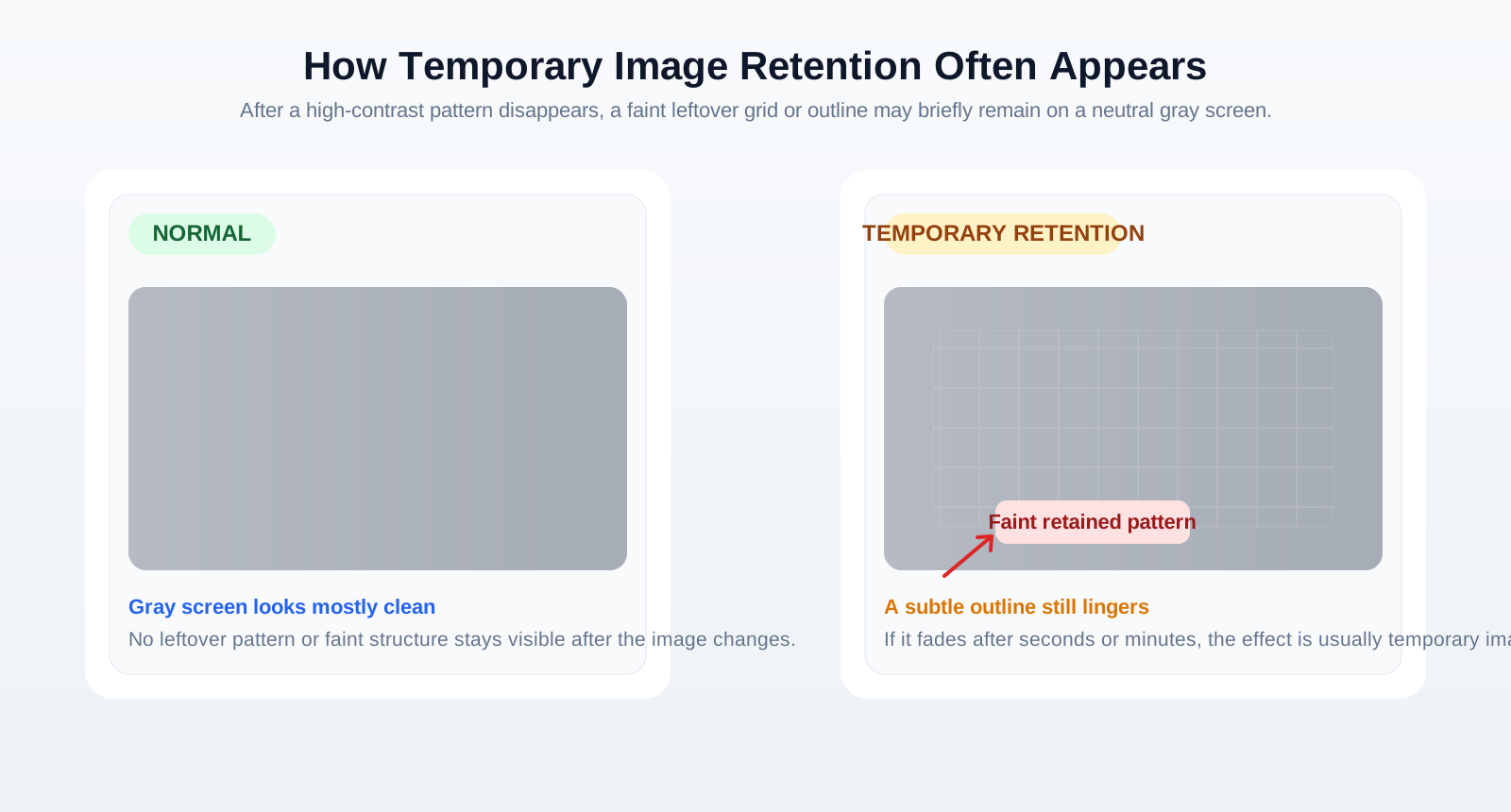
Image Retention vs. Burn-in
| Image Retention | Burn-in |
|---|---|
| Temporary | Permanent |
| Usually disappears over time | Does not disappear |
| Common on LCD and OLED displays | More common on OLED displays |
| Normally reversible | Usually irreversible |
If the ghost image disappears after a short period, it is image retention. If it remains visible after extended use, it may indicate permanent burn-in.
How the Screen Retention Test Works
Our online test helps you visually check for image retention.
- Display a high-contrast black and white pattern. This creates the kind of content that can reveal screen persistence.
- Keep the pattern on screen for approximately five minutes. Longer exposure makes faint retention easier to notice.
- Switch to a solid gray screen. Gray is one of the best backgrounds for seeing faint leftover outlines.
- Check whether any faint outlines remain visible. If they fade away, the effect is usually temporary image retention.
For the best results, use full-screen mode and avoid looking continuously at the pattern before the gray screen appears.
How to Read the Results
Normal
The gray screen appears smooth and uniform without visible shadows or outlines.
Temporary Image Retention
You notice a faint outline of the previous pattern that gradually disappears after several seconds or minutes.
Possible Burn-in
The previous image remains visible for an extended period without noticeable improvement. This may indicate permanent panel wear, particularly on OLED displays.
Tips for More Accurate Testing
- Test your monitor in a dimly lit room.
- Allow the monitor to warm up before testing.
- Use the monitor's native resolution.
- Avoid staring at the test pattern continuously, as your eyes can create temporary afterimages.