Screen Burn-in Test
Check your display for permanent burn-in, image retention, and uneven panel wear using our free online screen burn-in test. Run the test in full screen for the most accurate results.
This test displays a series of solid colors to help you identify permanent burn-in, image retention, and uneven display aging. Carefully inspect the screen for ghost images, discoloration, or areas that remain visible after the color changes.
What Is Screen Burn-in?
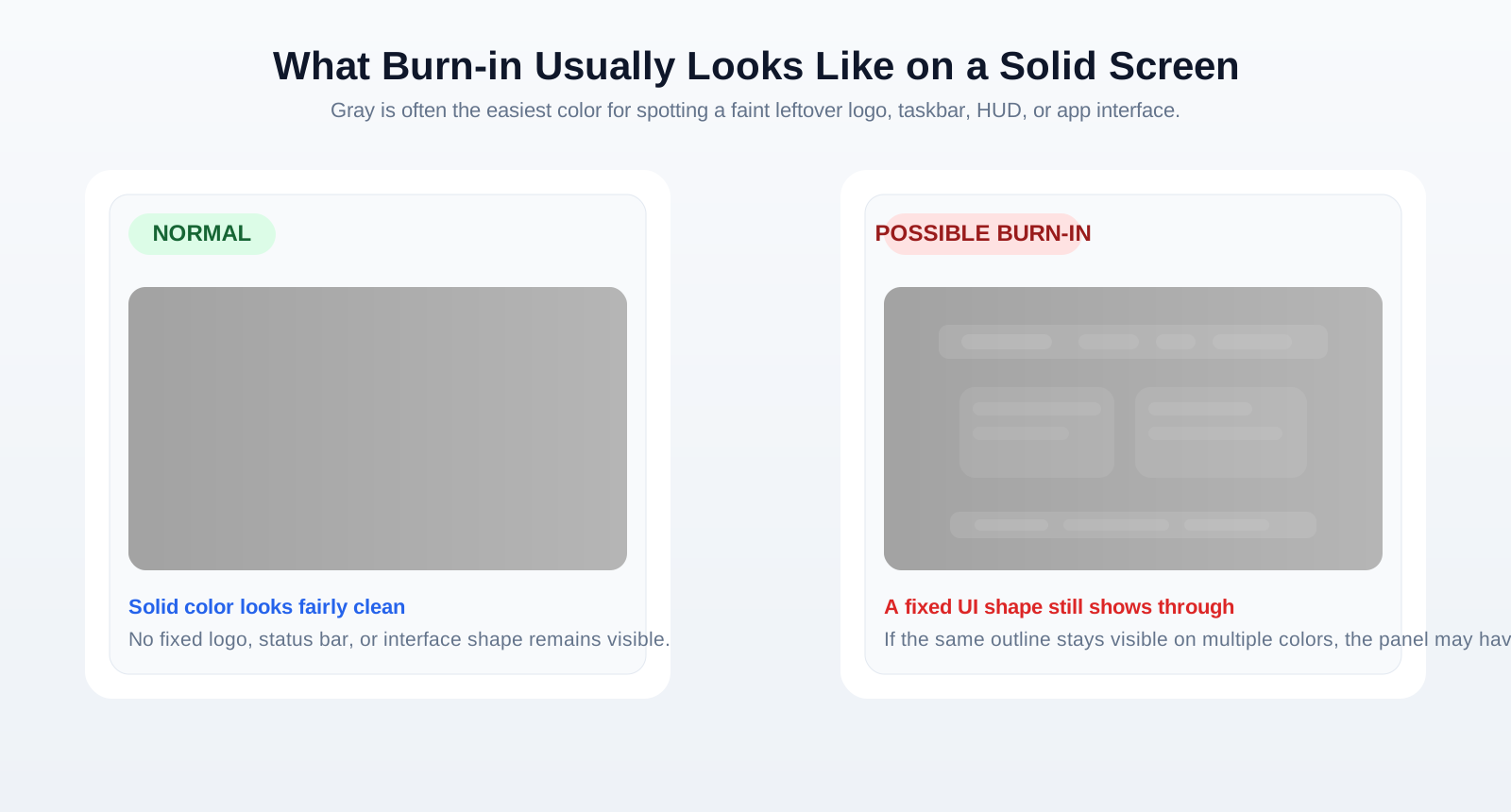
Screen burn-in is permanent image damage caused by uneven pixel wear after static content remains on a display for extended periods. It often appears as a faint "ghost" image that stays visible even after the original content has changed.
Burn-in is most commonly associated with OLED displays, although temporary image retention can also occur on LCD panels.
Burn-in vs. Image Retention
| Image Retention | Screen Burn-in |
|---|---|
| Temporary | Permanent |
| Usually fades over time | Remains visible |
| Can occur on LCD and OLED | Primarily affects OLED displays |
| Often reversible | Usually irreversible |
If the image disappears after a short period, it is likely image retention rather than permanent burn-in.
Common Causes of Burn-in
Burn-in usually develops after displaying the same content for long periods.
Common causes include:
- Static application interfaces
- TV channel logos
- Game HUDs and minimaps
- Desktop taskbars and dock icons
- Digital signage and information displays
- Maximum brightness used for extended periods
Modern OLED displays include protection features, but prolonged static images can still cause uneven pixel aging.
How to Test for Burn-in
Our online Screen Burn-in Test helps you visually inspect your display.
For the best results:
- Open the test in full-screen mode. This gives you an uninterrupted view of the entire panel.
- Display several solid colors such as white, gray, red, green, blue, and black. Different colors reveal different types of wear and ghosting.
- Carefully inspect the screen for ghost images, discoloration, or uneven areas. Pay close attention to the center, corners, and places where static UI elements usually appear.
- Compare different colors. If the same artifact remains visible on multiple solid backgrounds, your display may have burn-in.
Can Burn-in Be Fixed?
Permanent burn-in usually cannot be completely repaired because it is caused by physical pixel wear.
Some displays include features such as:
- Pixel Refresh
- Pixel Shift
- Panel Refresh
These tools may reduce the visibility of minor image retention but generally cannot remove permanent burn-in.
If the damage is severe, replacing the display is often the only effective solution.
How to Prevent Burn-in
Although burn-in cannot always be avoided, you can reduce the risk by:
- Avoiding static images for long periods.
- Using automatic screen sleep or screen savers.
- Reducing brightness when possible.
- Enabling built-in OLED protection features.
- Watching varied content instead of displaying the same interface continuously.
These practices help distribute pixel usage more evenly and slow long-term panel wear.
Burn-in on Different Display Types
OLED
OLED displays offer excellent contrast and image quality but are the most susceptible to permanent burn-in because each pixel produces its own light.
LCD
LCD monitors rarely suffer from permanent burn-in. They are more likely to experience temporary image retention, which usually disappears after normal use.
Mini-LED
Mini-LED displays generally have a very low risk of burn-in because they use an LCD panel with an improved backlight system.