Color Banding Test
Check your monitor for color banding, visible gradient steps, and smooth color transitions. Run the test in full screen for the most accurate results.
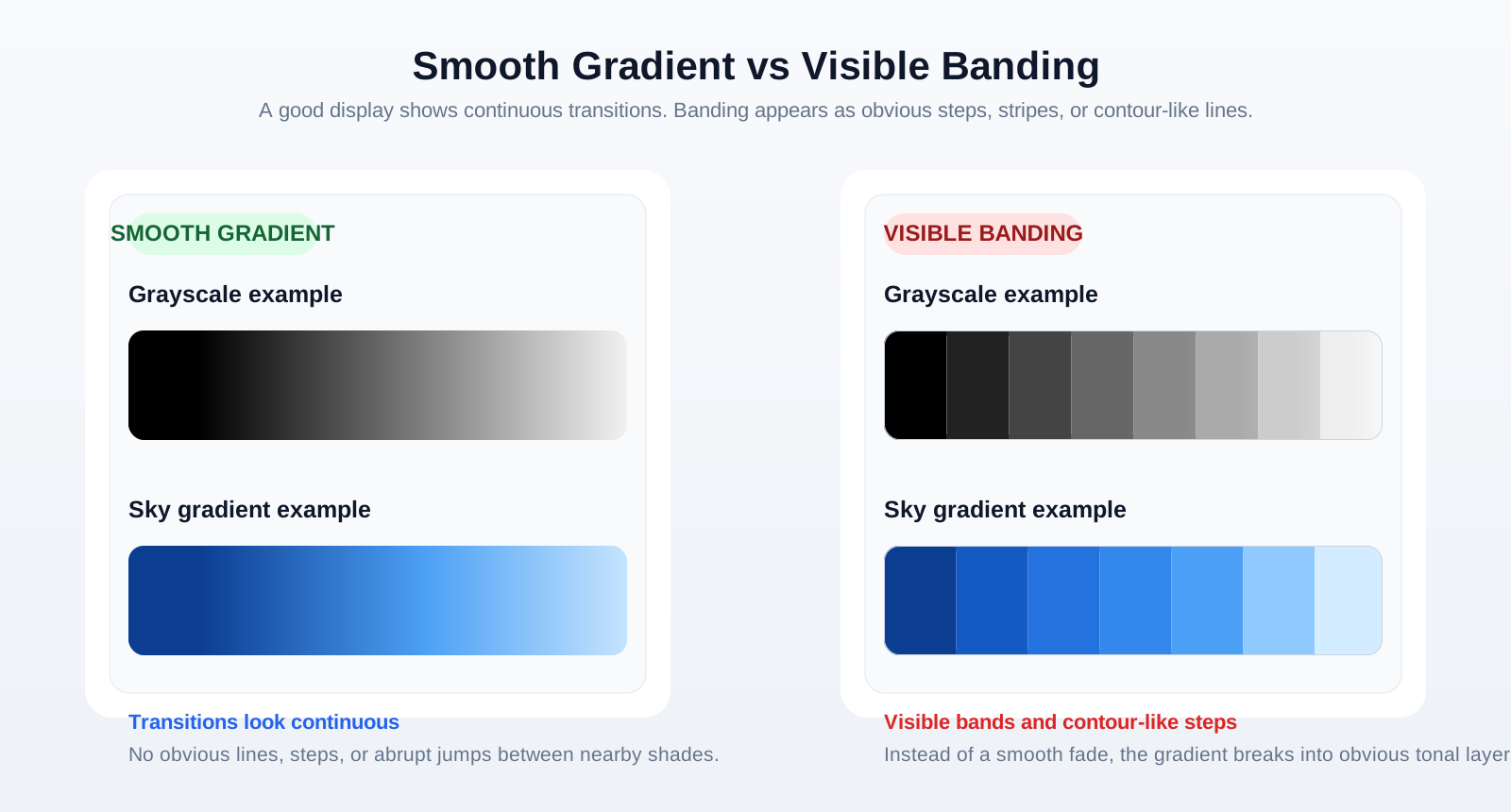
This test displays smooth grayscale and color gradients to help you identify banding, uneven color transitions, and other gradient artifacts. A properly calibrated monitor should render gradients smoothly without visible lines or steps.
What Is Color Banding?
Color banding, also known as gradient banding, occurs when a monitor cannot display smooth transitions between colors or shades. Instead of a continuous gradient, you may notice visible lines or distinct bands.
Banding is most noticeable in dark scenes, skies, shadows, and other areas with gradual color changes.
What Causes Color Banding?
Limited color depth (6-bit or 8-bit displays)
Incorrect gamma or color settings
Image or video compression
Graphics driver configuration
Low-quality source content
Not all banding is caused by the monitor itself. In some cases, the issue originates from the image, video, or graphics output.
How to Perform a Gradient Test
Using the test is straightforward.
- Open the test in full-screen mode. This gives you a clean view of the full gradient.
- View the grayscale and color gradients. Compare dark, midtone, and bright areas carefully.
- Check whether the transitions appear smooth. A good display should not show abrupt steps between nearby shades.
- Look for visible lines, stripes, or abrupt changes between shades. These are the main visual signs of banding.
If the gradients appear continuous without noticeable bands, your monitor is displaying color transitions correctly.
How to Improve Gradient Performance
If you notice color banding, you can try:
- Using your monitor's native resolution.
- Selecting the highest available color depth.
- Adjusting gamma or color settings.
- Updating your graphics driver.
- Testing with higher-quality images or videos.
Keep in mind that some displays have hardware limitations that cannot be completely eliminated.