Backlight Bleed Test
Seeing uneven bright spots or glowing on your dark screen? This full-screen black test helps you check for backlight bleed, IPS glow, andclouding.
For best results, turn off the lights in your room.
What to Look For

Backlight Bleed
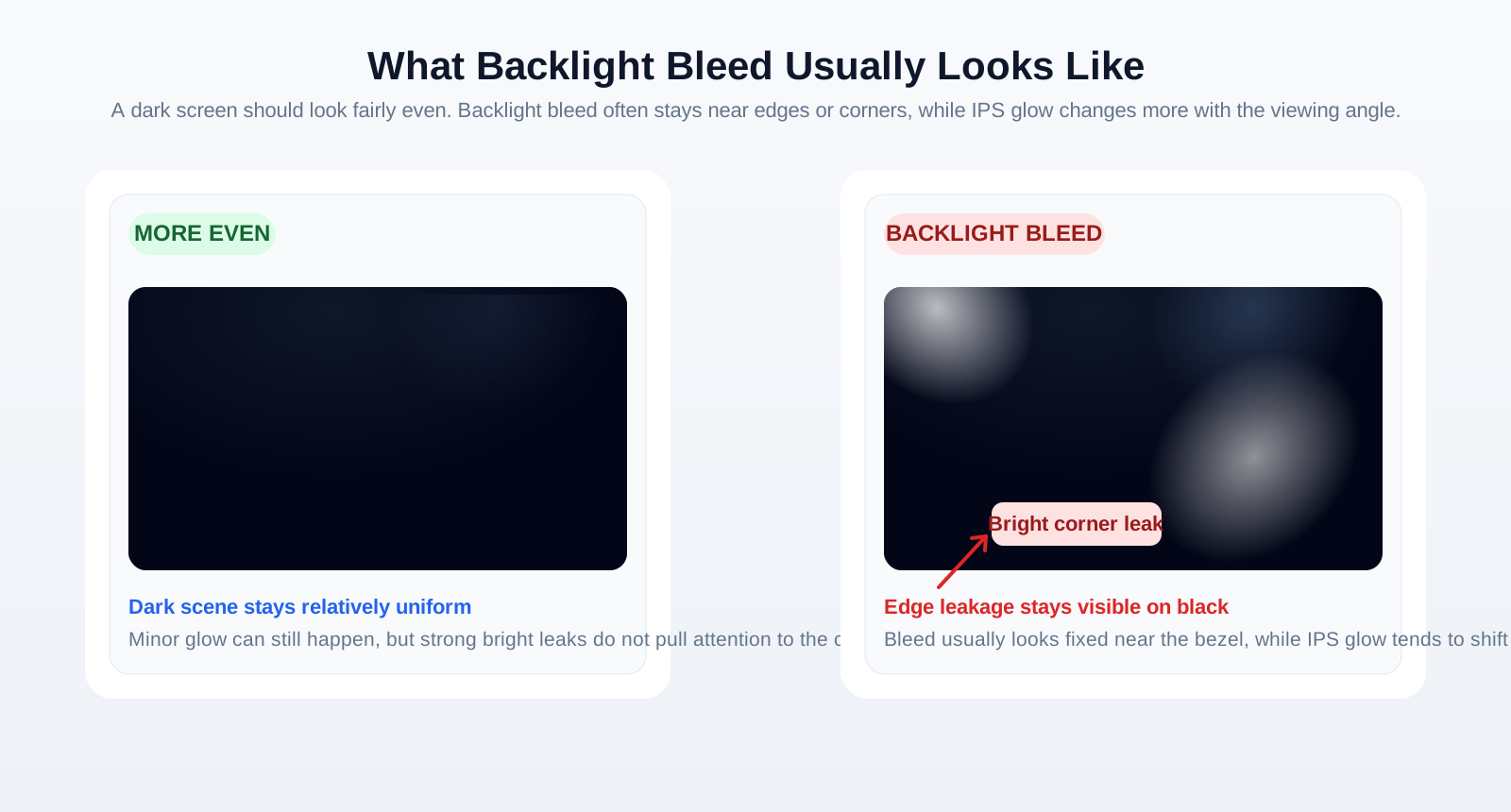
Light leaking from the edges or bezel. It usually stays in place and looks static.

IPS Glow
A corner glow that changes as you move your viewing angle or head position.

Clouding
Uneven blotchy patches of brightness that can look like faint clouds in dark scenes.
How to Perform an Effective Test
- Darken Your Room: Turn off lights so faint brightness becomes easier to see.
- Clean Your Screen: Dust or smudges can sometimes be confused with panel issues.
- Launch the Test: Click the start button and your screen will switch to pure black.
- Observe: Give your eyes time to adjust, then inspect edges and corners for glow or leaks.
- Check Angles: Move your head slightly. If the glow changes, it is more likely IPS glow than bleed.
Why Check for Backlight Bleed?
- New Purchase Check: Make sure a new monitor or laptop meets your quality expectations.
- Warranty Claims: Excessive bleed can be a valid reason for return or replacement.
- Better Viewing: Strong bleed can ruin dark scenes in games and movies.
Frequently Asked Questions
What is backlight bleed?
Backlight bleed is light leaking from the backlight of an LCD panel around the edges or corners, causing uneven brightness in dark scenes.
Is some backlight bleed normal?
Yes, minor bleed is common in many LCD and IPS displays. Excessive bleed that is distracting during normal use may indicate a defect.
How can I fix backlight bleed?
Hardware bleed is difficult to fix. Reducing brightness may help, and in some cases gentle pressure relief around the panel can slightly improve it.
Difference between bleed and IPS glow?
Backlight bleed tends to stay in place near edges or corners, while IPS glow changes with viewing angle and head position.